Training Checklist for RELEASE KEN
Session workflow, TP tracking, and gym planning for MS: Ken.
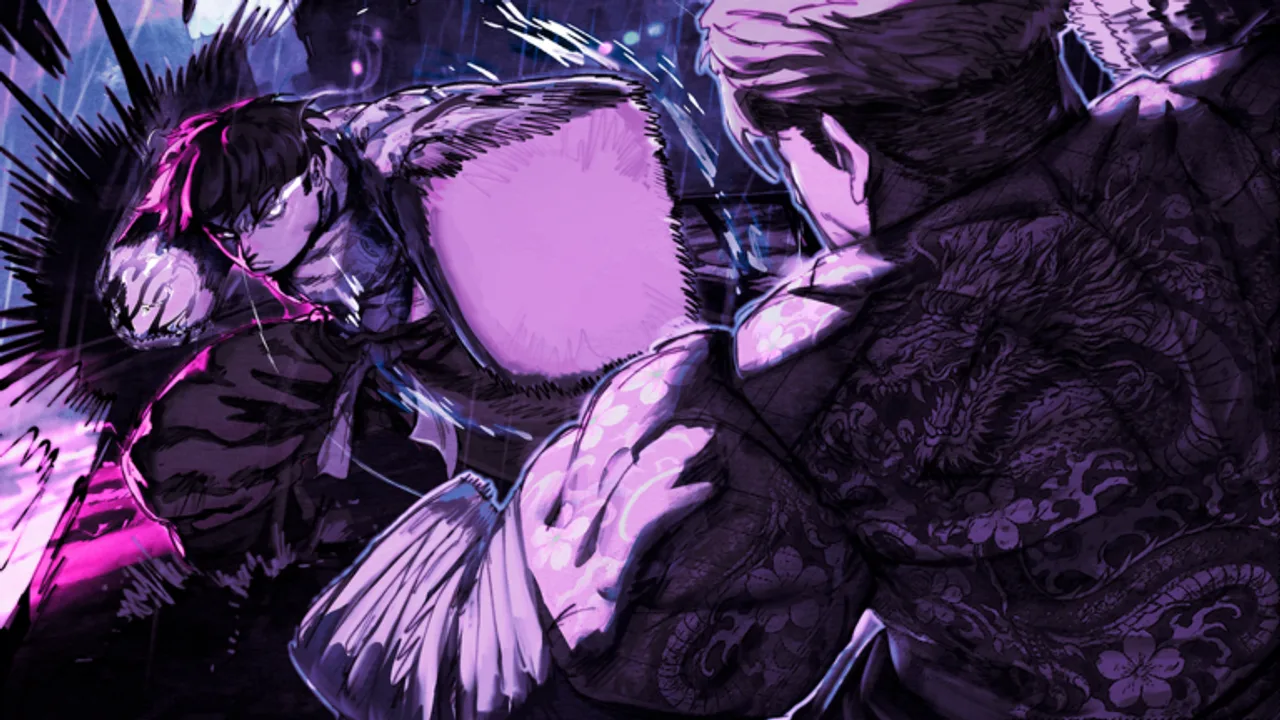
Long gym sessions in RELEASE KEN ([RELEASE + MOBILE] KEN, MS: Ken, Mikami Studios) blur together — you forget which stats you trained, overspend TP before a trainer gate, or skip money runs and arrive broke at the fighting-style NPC. A training checklist turns random clicking into repeatable progression on Roblox place 100096058035179. This page explains the full checklist workflow: what to track, when to spend TP, how to sync with fighting-style goals, and how to recover after early-access patches reshuffle costs.
Use alongside How to Train for mechanic depth and Starter Build for first-account priorities. When you pick a style target, cross-check Style Picker and Fighting Styles Tier List.
Why a checklist beats memory
MS: Ken progression intersects gyms, TP currency, yen income, style trainers, organizations, and raids. Without a written plan:
- Defense stays undertrained while offense overshoots trainer gates.
- TP gets drip-spent one point at a time, delaying unlocks.
- Money earmarked for Karate or Boxing fees disappears into lost robberies.
- Patch day arrives and you grind obsolete stat paths for hours.
A checklist externalizes decisions before willpower fades — especially on mobile where sessions are shorter and easier to interrupt.
Pre-session setup (5 minutes)
Before joining RELEASE KEN, define:
Patch awareness — skim Latest Update or Updates Hub for balance or economy notes.
Stat targets — write primary offense, primary defense, and stamina or speed goals tied to your next trainer on Fighting Styles Guide.
TP budget — how many points you will spend this session and at which threshold.
Yen target — percentage toward known trainer fee plus food and medical buffer.
Skill focus — one mechanic from Controls: block-counter, dash cancel, or safe M2 punish.
Store targets where you will see them — notes app, paper, or the interactive checklist below.
Core training loop checklist
Run this loop each focused grind block:
- Travel to gym cluster — pick route with banking and supplies on-path.
- Warm-up combo — 3–5 minutes M1/M2 on dummy or low-traffic area.
- Primary stat block — train offense stat until timer or gate marker.
- Secondary stat block — train defense stat to paired goal.
- Stamina or speed block — if trainer list requires it this week.
- TP spend checkpoint — only spend when crossing documented gates.
- Income block — odd jobs or org-safe tasks from Starter Build.
- Bank yen — never carry full wallet into optional PvP.
- Log completion — tick checklist rows; note anomalies for wiki accuracy.
Adjust block lengths for mobile — two 20-minute loops beat one unfocused hour.
TP spending rules
Training points behave like non-refundable talent choices in early access:
- Batch spends at trainer or gym thresholds — avoids partial progress that locks neither path.
- Never spend reactively after one lost fight unless build plan says so.
- Reserve flex TP until style choice confirms on Style Picker.
- Re-evaluate after patches — attribute renames or cap changes invalidate old plans.
If Mikami Studios adds respec tools later, checklist history still helps you decide when to reset.
Weekly milestone tracker
| Milestone | Typical signal | Wiki link |
|---|---|---|
| Controls automatic | Block and dash without pause | Getting Started |
| First trainer gate met | Dialogue offers teaching | Fighting Styles Guide |
| Style unlocked | Paid fee, equipped kit | Fighting Styles Tier List |
| Org ready | Survive one raid attempt | Raids and Organizations |
| PvP optional | Stable yen buffer | PvP Build |
Tick milestones when true — not when hoped.
Interactive checklist
Use the interactive training checklist below during play. It tracks session goals, TP spends, and yen milestones without injecting code into Roblox — unlike risky tools on Scripts Hub.
RELEASE KEN training checklist
Tick items as you finish them. Progress is saved in this browser.
After you finish a session, export or screenshot your checklist state if you maintain multiple alts. Compare against Beginner Builds Tier List when rerouting a new account.
Patch recovery workflow
When Latest Update changes gym prices or trainer gates:
- Pause long AFK plans.
- Re-walk one full gym loop for new costs.
- Update checklist targets before spending saved TP.
- Notify org mates if raid stat mins shifted.
Checklists prevent sunk-cost fallacy — you notice obsolete rows before another week of grind.
Common checklist mistakes
- Copying tournament TP without gates — fails trainer requirements.
- Skipping income rows — style unlock delays despite good stats.
- Ignoring skill focus row — stats without parry lose PvP anyway.
- Using script auto roadwork — see Auto Farm Scripts; bans erase checklist progress.
Session end review (5 minutes)
Ask:
- Did I hit stat and yen targets?
- Did TP spend align with plan?
- Did I learn the skill focus mechanic?
- Anything feel different after patch — note for Updates.
Schedule next session’s targets immediately while memory is fresh.
Related tools and guides
- Style Picker — choose fighting style before finalizing TP
- How to Train — gym and money deep dive
- Tools Hub — control reference and planners
- Tier List Hub — validate style potency after unlock
Training checklists are boring on purpose. RELEASE KEN accounts that tick consistent rows outperform players who chase hype styles without stat plans — especially while early access keeps moving the goalposts.
Frequently Asked Questions
Quick answers for RELEASE KEN players on Roblox.
What should a RELEASE KEN training checklist include?
Stat targets, TP spend thresholds, yen savings toward trainer fees, one skill focus per session, and patch notes from Updates. Log completion after each grind block.
When should I spend training points (TP)?
In batches when you hit trainer or gym gates documented on Fighting Styles Guide. Avoid drip-spending single points without a plan.
How does the interactive checklist work?
Use the embedded checklist section on this page during play to track session goals. It does not modify Roblox — unlike exploit scripts.
Should I update my checklist after patches?
Yes. Re-verify gym costs and trainer gates on Latest Update before long sessions. Obsolete rows waste time during early access.
How does this relate to Style Picker?
Pick a style target in Style Picker first, then align checklist stat rows and TP spends with that trainer's requirements.