Redeem RELEASE KEN Codes
PC and mobile redemption steps, troubleshooting, and what to check during early access.
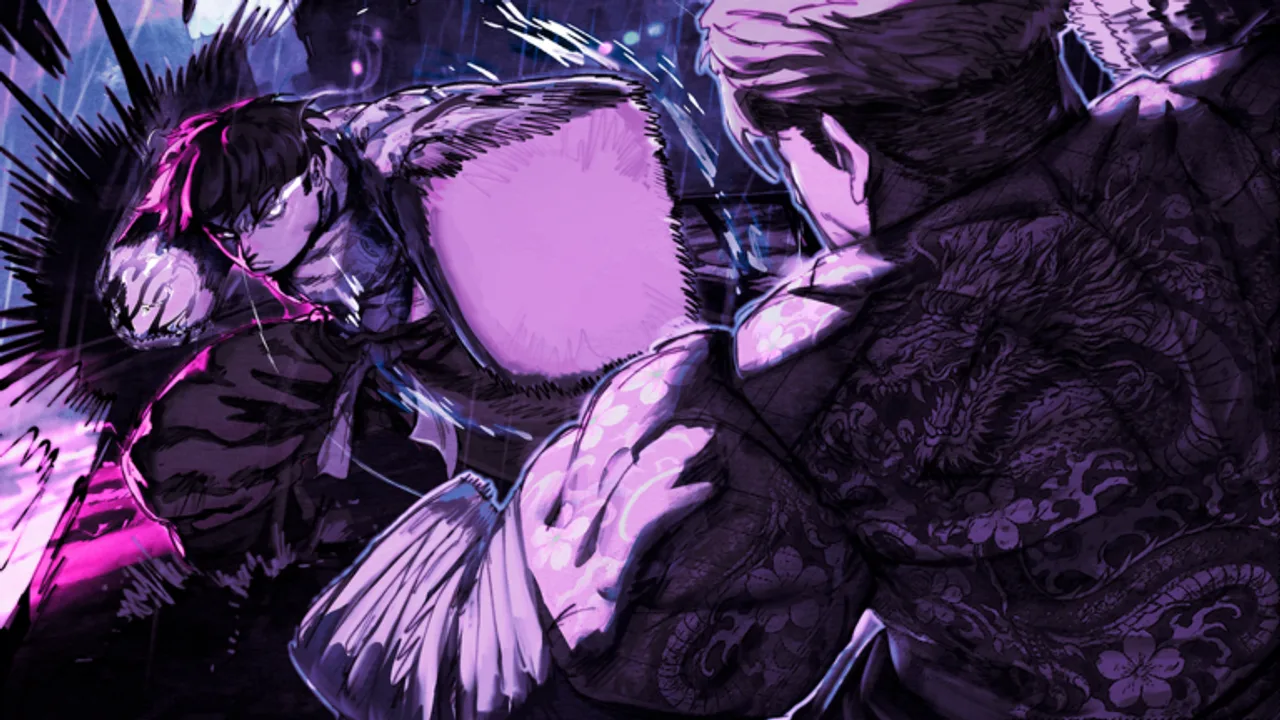
Promo codes in Roblox games are meant to be simple: copy a string, paste it inside the official client, and collect free rewards. RELEASE KEN (Roblox title [RELEASE + MOBILE] KEN, developed by Mikami Studios under the MS: KEN group) is still in heavy early-access development, and the redemption UI can change between patches. This guide explains the standard flow Roblox fighters use, what to do when no code button exists yet, and how to fix the most common errors without risking your account.
Start at the RELEASE KEN Codes Hub for context, then keep Working Codes open in another tab so you are typing a verified string — not a rumor copied from an unrelated “Ken” game.
Before you redeem
Complete these checks first. They prevent most false “broken code” reports:
- Confirm you are on the correct experience — launch RELEASE KEN on Roblox (place ID
100096058035179). Codes from other Roblox titles will never work here. - Use the live build — leave and rejoin if you just downloaded an update. Old servers sometimes lack new UI buttons.
- Copy exactly — codes are case-sensitive. Avoid trailing spaces when pasting from Discord or social posts.
- Check platform — mobile Roblox is supported, but some menus sit in different corners than PC. Try both layouts below.
If no promo system is enabled in the current patch, the steps below still help the day Mikami Studios turns codes on — you will already know where to look.
Redeem on PC (Windows / Mac)
Most Roblox fighting games place redemption in a sidebar or settings cluster. When RELEASE KEN enables codes, expect a flow similar to this:
- Launch Roblox and join the RELEASE KEN experience.
- Wait until your character fully loads in the hub world.
- Look for a Codes, Promo, or Gift icon — often on the left edge of the screen or inside a Settings / Menu wheel.
- Click the button to open the text field.
- Paste the code from Working Codes and press Enter or tap Redeem.
- Read the confirmation popup. Successful redemptions usually show reward icons immediately; some grant items to your inventory instead of your hotbar.
If you use a keyboard layout that maps differently, click the text box before pasting so Roblox captures input correctly.
Redeem on mobile (iOS / Android)
Mobile players follow the same security rules — only redeem inside the official Roblox app.
- Open the Roblox app and join RELEASE KEN.
- Tap the menu or three-line icon if the code button is hidden behind mobile UI scaling.
- Open Codes or Promo when available.
- Tap the text field, paste carefully, and confirm. On some devices long-press to paste is more reliable than keyboard shortcuts.
- Dismiss ads or chat overlays if they block the redeem button. Rotating to landscape can reveal side panels cropped in portrait mode.
Mobile combat uses the same official controls as PC for core fighting — M1 basic attack, M2 critical, Q dash, W+W run, F block — so you can redeem between training sessions at gyms without returning to desktop.
After a successful redemption
Rewards vary by promotion. Typical Roblox fighter codes grant currency, rerolls, XP boosts, or cosmetics. After redeeming:
- Open your inventory or style menu if nothing appears on screen — some items land there silently.
- Take a screenshot of the confirmation if support asks for proof during beta.
- Re-read Working Codes for expiry notes. One-time event codes may stop working after maintenance.
Pair new resources with a plan from Builds or the Tier List so rerolls support your intended fighting style rather than random stat spread.
Troubleshooting failed codes
| Symptom | Likely cause | What to do |
|---|---|---|
| “Invalid code” | Typo, expired promo, or wrong game | Re-copy from Working Codes; confirm you are on RELEASE KEN |
| Button missing | Patch removed UI temporarily | Read Updates; rejoin after hotfix |
| “Already redeemed” | One-time account flag | Code was used; no duplicate rewards |
| Nothing received | Inventory delivery | Check inventory, relog, wait five minutes |
| Mobile only fail | UI overlap | Rotate device; disable chat cover |
If a code is publicly announced but fails for everyone, Mikami Studios may have revoked it early — we strike those entries on Working Codes once confirmed.
What not to do
- Do not use external websites that ask for your Roblox password. Real codes never need login credentials.
- Do not run exploit scripts that “auto-redeem” strings. See Scripts for why injectors risk bans.
- Do not trust DMs from strangers offering exclusive codes in exchange for trades. Treat them as scams.
Official information should trace back to the Roblox game page, the MS: KEN group, or patch notes we summarize on Updates.
When no code menu exists yet
Early-access milestones sometimes ship gameplay before promo infrastructure. If you cannot find a redeem button:
- Finish the tutorial and reach the main hub — some games gate UI until onboarding completes.
- Compare your build version with friends on the same platform.
- Watch Updates for “codes added” lines after maintenance.
- Follow official social channels linked from Official Links — not random repost accounts.
We update this page when testers confirm a new button location on PC or mobile.
Related guides
Redeeming codes is only one shortcut. For long-term power, combine freebies with training knowledge:
- Getting Started — gyms, first styles, and safe early PvE.
- Guides Hub — raids, organizations, bosses, and tournaments.
- Tools Hub — checklists while systems are still changing.
Check back after every major patch. Redemption layout during early access can shift without notice, and we document the current flow here so you spend less time hunting menus and more time training.
Frequently Asked Questions
Quick answers for RELEASE KEN players on Roblox.
Is there a code button in RELEASE KEN right now?
The promo UI appears only when Mikami Studios enables it in a live patch. If you cannot find Codes or Promo in the menu, check Updates for recent changes — the feature may not be shipped yet.
Do I need a PC to redeem codes?
No. RELEASE KEN supports mobile Roblox. Redemption should work in the official app when codes are active, though button placement can differ from desktop.
Why does my code say invalid when friends succeeded?
You may have a typo, an expired one-time code, or be on an outdated server instance. Rejoin the experience and paste again from Working Codes.
Can I redeem the same code on multiple alts?
Only if the developer allows it. Most Roblox promos are once per account. Creating alts to abuse codes can violate Roblox rules.
Where will rewards show up?
Usually in a popup, your inventory, or a currency counter. Some reroll items appear in style or stat menus instead of the main HUD.
Who should I contact if redemption is broken?
Use official MS: KEN community channels linked from our Wiki page. Avoid sharing account passwords with unofficial support bots.